
Authentication
API Reference: Authentication
To access protected AnswerPal API endpoints, use JWT Bearer authentication. First request a token with POST /api/Auth/login, then send that token in the Authorization header on each request.
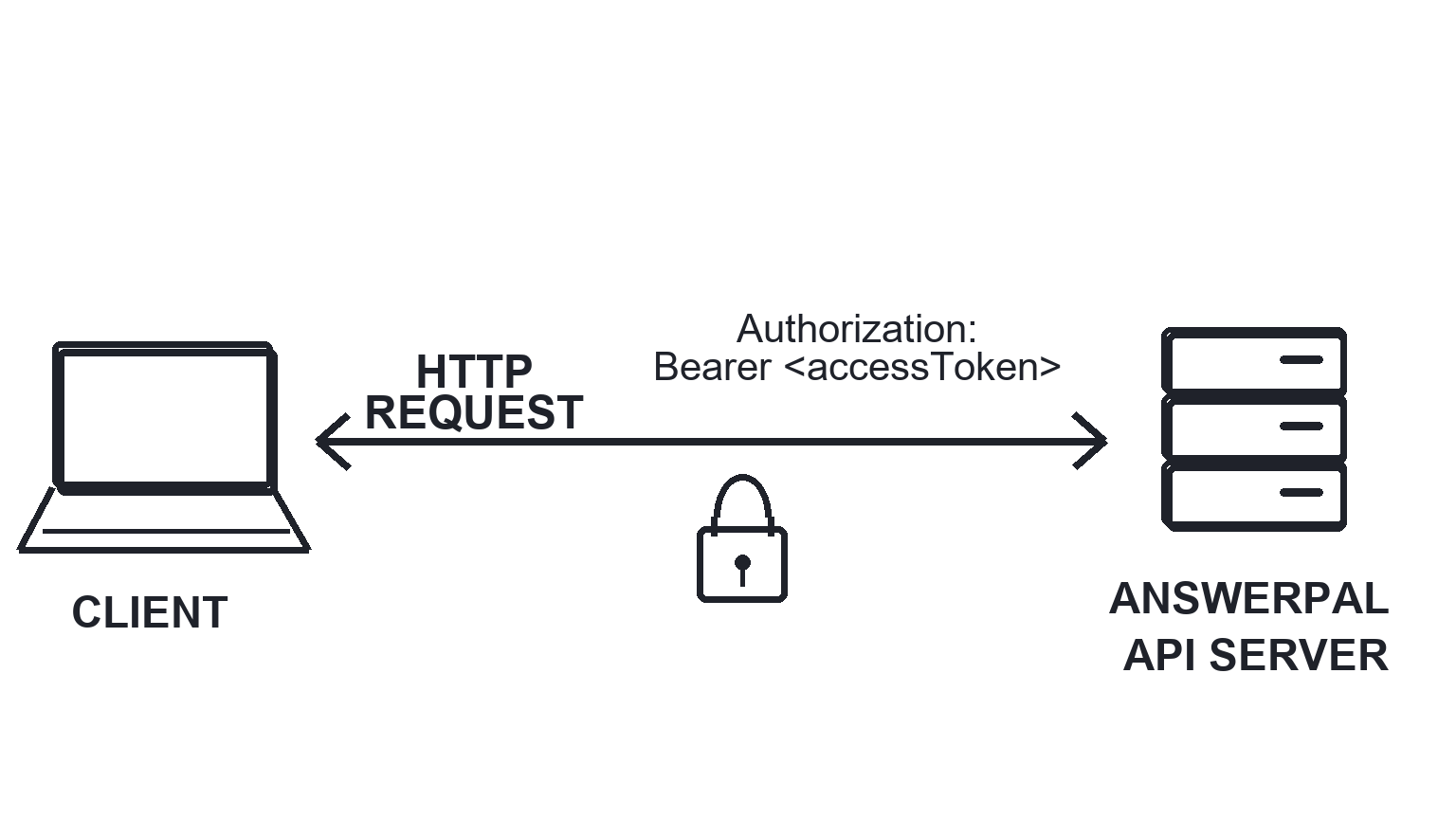
Authentication Overview
Most API endpoints expect an Authorization: Bearer <accessToken> header. Login and password-reset endpoints are public so you can request or recover a token. See the Auth endpoint page for current request and response fields.
How to authenticate with the AnswerPal API
- Collect the login fields required by the authentication endpoint.
- Send the login request to
POST /api/Auth/login. - Read the JWT access token from the response.
- For protected endpoints, add an
Authorizationheader withBearer <accessToken>.
Authenticating an API request with a Bearer token
Example using Bearer authentication:
POST /api/Auth/login HTTP/1.1\nHost: api.answerpal.eu\nContent-Type: application/json\n\n{\n "email": "user@example.com",\n "password": "••••••••"\n}\n\nGET /api/Customers/me HTTP/1.1\nHost: api.answerpal.eu\nAuthorization: Bearer <accessToken>\nAuthentication Error Handling
The API call was made without valid credentials or with an expired/invalid token. Solution: Check your Authorization header and ensure your token or credentials are correct and not expired.
The credentials are valid but lack permission to access the requested resource. Solution: Contact your admin or support to verify your access rights.
JWT tokens are time-limited. If you receive a token expiry error, re-authenticate to obtain a new token.
Security Best Practices
- Always use HTTPS for all API requests.
- Store API credentials and tokens securely (never in source code).
- Rotate passwords and tokens regularly.
- Limit permissions for each token to only what is necessary.
- Use organization-level credentials for general access, and override only when required for specific actions or integrations.
- Audit API access logs periodically to detect unauthorized access.
- Never share your credentials outside your organization.
Troubleshooting Authentication
Check the login request for /api/Auth/login and request a new token if the current token has expired or was revoked.
Check that your API requests include the Authorization header in the correct format.
Requests over HTTP (instead of HTTPS) will be rejected for security reasons.
Need help?
Table of Contents

AnswerPal: AI-powered customer service solutions to elevate your support and communication effortlessly.
Quick Links
Contact
For all support, sales, and partnership inquiries, email us at info@answerpal.eu
AnswerPal
Bisschoppenhoflaan 380
2100 Antwerp
Belgium
+32.36416685
BE 0862.692.858