Many small variations in e-mail, attachments and request type make manual preparation time-consuming.

Practical example
Preparing quote requests for surveyors
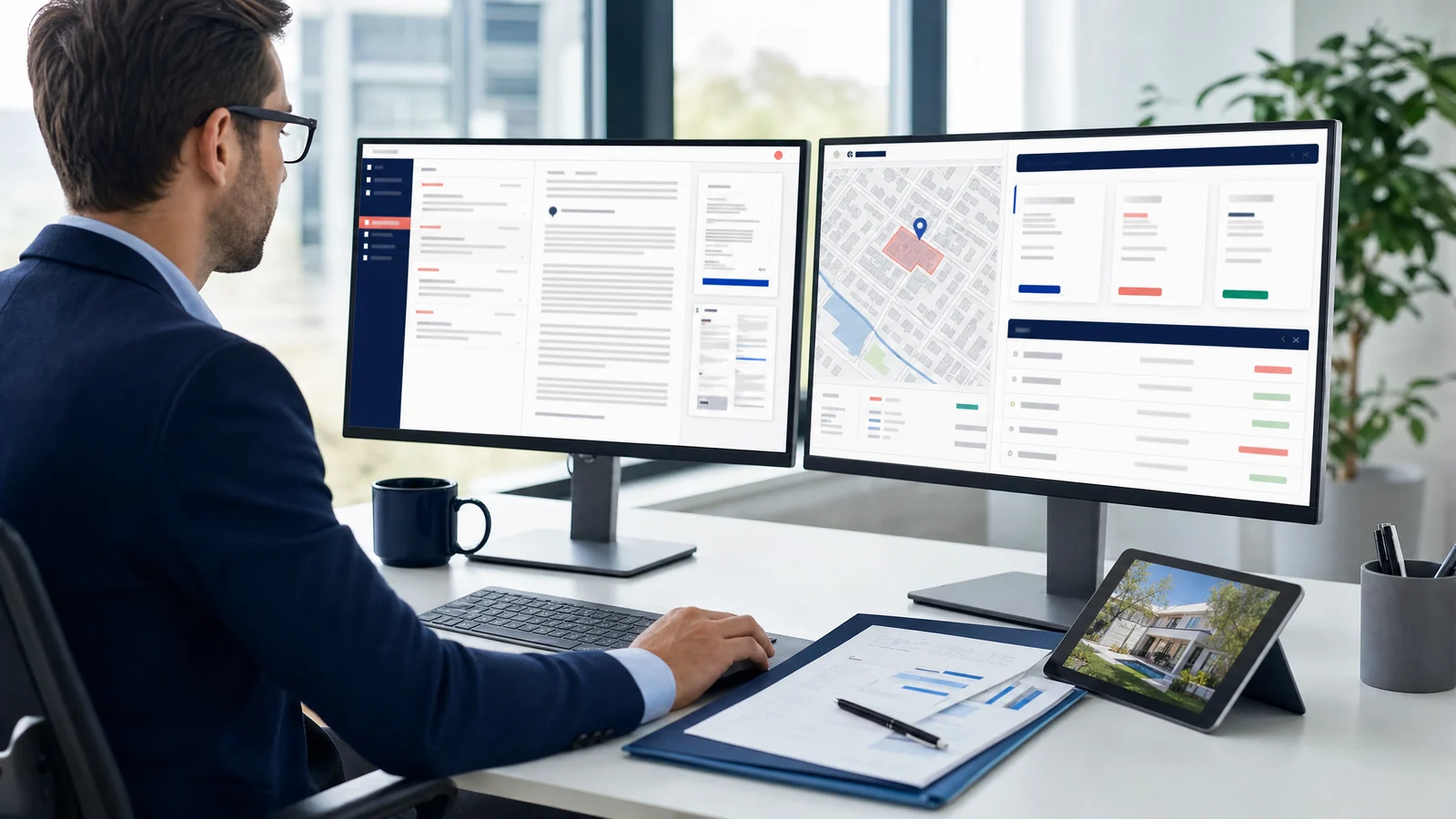
A surveying office with around thirty branches in Belgium receives about 1,000 quote requests per month. A request can be a short e-mail with an address, a cadastral reference, building plans, or a question about a property condition report, EPC certificate, valuation, parcel measurement or more complex file. AnswerPal reads the e-mail and attachments, enriches property and parcel context, selects the right quote items with a custom AI model and prepares everything in Teamleader for review.
Consistent item selection and pricing logic need to remain the same across offices.
Parcel size, built area, property type and number of floors all affect which quote items are needed.
Before versus today
The difference is in the preparation. Instead of looking up every detail manually, the employee reviews the prepared quote and the full context report in Teamleader.
Before
Request arrives
A customer sends a short mail, building plans, an address or only a cadastral reference.
Mail and attachments are read
The employee works out whether it is a condition report, EPC certificate, valuation, parcel measurement or complex file.
Location context is researched
Address, parcel, property type, built area and floors are checked across different sources.
Sources are combined
Geo services, registers, plans, Google Street View and internal item lists are compared manually.
Quote is prepared manually
Contact details, quote items and quote content are entered or updated in Teamleader.
Today with AnswerPal
Mail and attachments are read
AnswerPal processes the e-mail text and also reads attachments such as building plans.
New or existing quote
AI determines whether the request is new or a change to an existing quote.
Address or cadastral reference
An AI call extracts address, cadastral reference and as many contact details as possible.
Property and parcel context
Parcel size, property type, built area and floors are retrieved or inferred.
Street View fills gaps
When public data is missing, AI analyzes Google Street View to estimate property type and floors.
Teamleader ready for review
Contact and quote are created or updated, including a link to the full report with retrieved context.
How it works
AnswerPal combines document processing, geo enrichment, image analysis and a custom AI model trained on about 200 existing quotes.
Collect input
E-mail, attachments, building plans, contact details, address or cadastral reference are reviewed together.
Classify the request
AI recognizes the type of work, such as condition report, EPC certificate, valuation, parcel measurement or more complex file.
Extract location
Address or cadastral reference is extracted from text and documents, even when the customer gives little context.
Enrich geo data
Parcel size, building information, built area and floors are retrieved because they affect pricing.
Analyze Street View
If official data is missing or incomplete, AI uses the Street View image as extra context.
Select items
The custom AI model selects the right Teamleader items and pricing logic based on the enriched context.
Update Teamleader
Contacts are created or enriched and the quote is prepared or updated in Teamleader.
Add report link
Each quote gets a link to a full report with Street View image, property type, built area, parcel size and cadastral information.
Review and send
The employee reviews in Teamleader through that report, adjusts where needed and only sends when the quote is correct.
Model improves monthly
Employee corrections are stored and used to improve the custom model periodically.
What does it deliver?
The figures below are indicative and meant to make the order of magnitude tangible.
At 1,000 requests per month, around 20 minutes saved per request and an indicative cost of €50 per hour.
From about 30 minutes of preparation to about 10 minutes of review per quote request.
Employee corrections improve the custom model month after month.
Practical benefits
- Indicative value of about €16,650 per month at 1,000 quote requests.
- About 333 hours of preparation work shifts to review and completion.
- Mail and attachments are processed together, including context from building plans.
- Address or cadastral reference is extracted automatically.
- Contacts and quotes are created or updated in Teamleader.
- Each quote gets a Teamleader link to the full context report.
- The employee no longer has to manually look up Street View, parcel size, built area and cadastral information for review.
Where is human review still needed?
AnswerPal does not send the quote autonomously. The employee reviews selected items, prices, context and customer details in Teamleader. Edge cases, missing information and unusual files remain explicitly marked for human judgment.
Recognize this process?
AnswerPal starts from concrete tasks that cost time today. We review which steps can be safely automated and where human control should remain in place.
